Case Study: Vidz Backend
About the Project
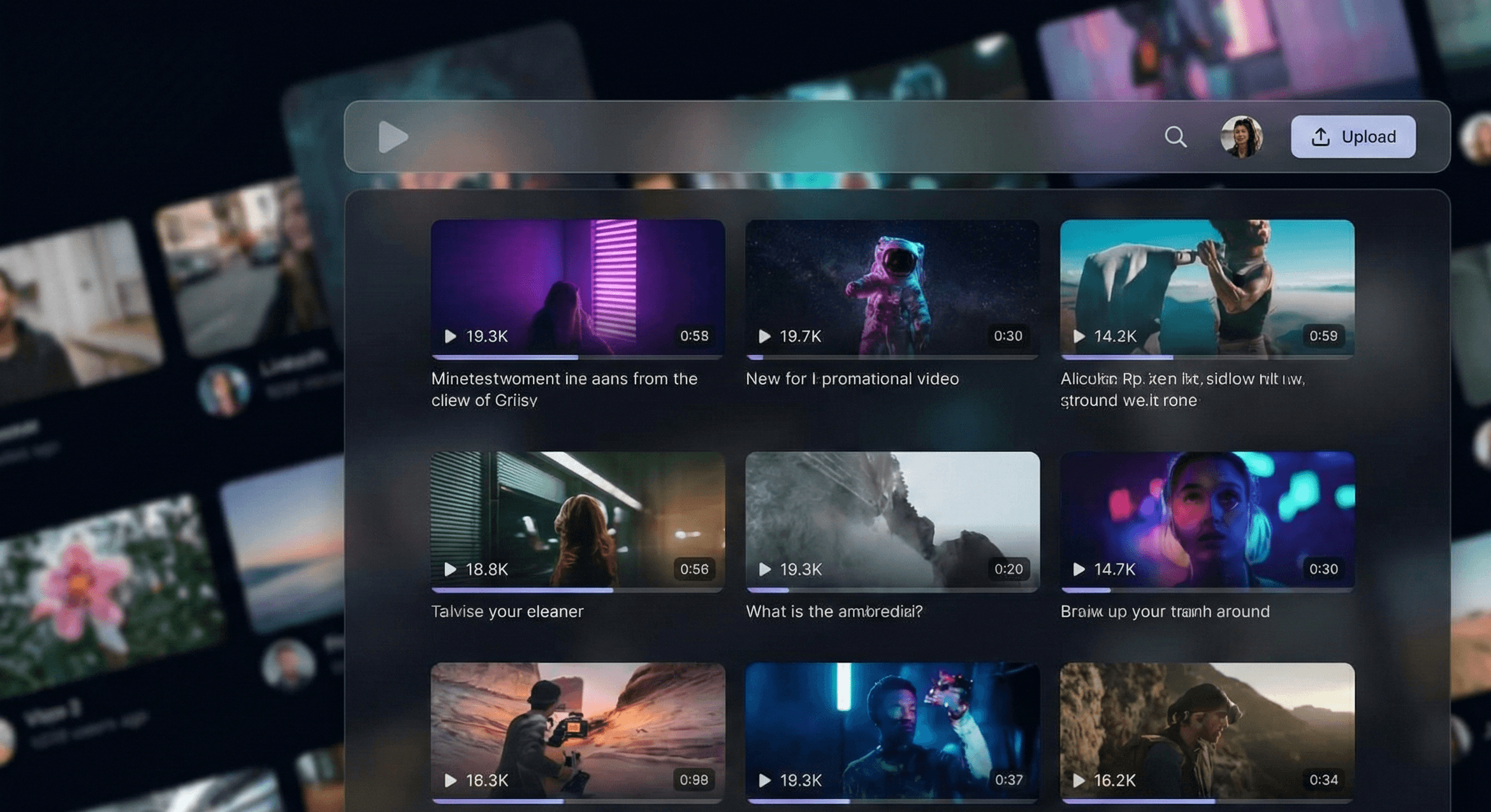
Vidz Backend is a video hosting platform (like a mini-YouTube).
I started this project as part of the "Chai aur Code" backend course by Hitesh Choudhary. In the course, Hitesh Sir taught the core concepts of Node.js and Express. He built the foundation, but he left the complex features (like comments, playlists, and watch history) as assignments for the students.
I took on the challenge and completed all the remaining assignments to turn this into a fully working project.
The Big Improvement: Faster Video Uploads
While building this, I solved a major speed problem.
The Problem (The Old Way)
In the course, we learned to upload files using a tool called Multer. The flow looked like this:
- Frontend sends the video to my Server.
- My Server waits to receive the file, then sends it to Cloudinary (cloud storage).
Why this was bad: It was a "double trip." The video had to travel twice. For big video files, this took too long and slowed down the server.
My Solution (The New Way)
I decided to change the code to make it faster. I created a new system using Direct Uploads:
- Frontend asks my server for a secure "signature" (a permission key).
- Using this key, the Frontend sends the video straight to Cloudinary.
- My server is skipped during the heavy upload process.
The Result
- 50% Faster: Because the video goes directly to the cloud, the upload time was cut in half.
- Better Performance: My server doesn't get stuck handling heavy video files, so it runs smoother for other users.
Key Features I Built
Besides the optimization, I completed all the course assignments:
- Security: Users can sign up and log in securely (using JWT).
- Video Actions: Users can Like videos, write Comments, and Subscribe to channels.
- Dashboard: A stats page that counts total views, subscribers, and likes.
- Watch History: The app remembers what you watched (and lets you clear your history).
Tech Stack
- Language: Node.js & Express.js
- Database: MongoDB
- File Storage: Cloudinary (with my custom speed improvement)
- Tools: Multer, JWT (for security)
How to Run This Project
If you want to test the code on your own computer:
Prerequisites
- Node.js (v16 or higher)
- A MongoDB account (or local database)
- A Cloudinary account
Installation Steps
- Download the code:
git clone https://github.com/sonu-shivcharan/vidz-backend.git
cd vidz-backend
- Install the tools:
npm install
- Setup your passwords (.env file):
Create a file named
.envand add your details:
PORT=8000
MONGODB_URL=your_mongodb_url
ACCESS_TOKEN_SECRET=some_random_password
CLOUDINARY_CLOUD_NAME=your_cloud_name
CLOUDINARY_API_KEY=your_key
CLOUDINARY_API_SECRET=your_secret
- Start the server:
npm run dev
API Docs
You can see all the available API links here: Postman Documentation
Contact
Project created by @sonu-shivcharan.